
This Tutoriel Will Show You How To Install TIVIMATE On Android TV, Android Phone & Android Box
TiviMate is available in the Google Play Store for download which is the easiest way to install it on android phones. This will work on any android smartphone, android smart TV or android tv box.
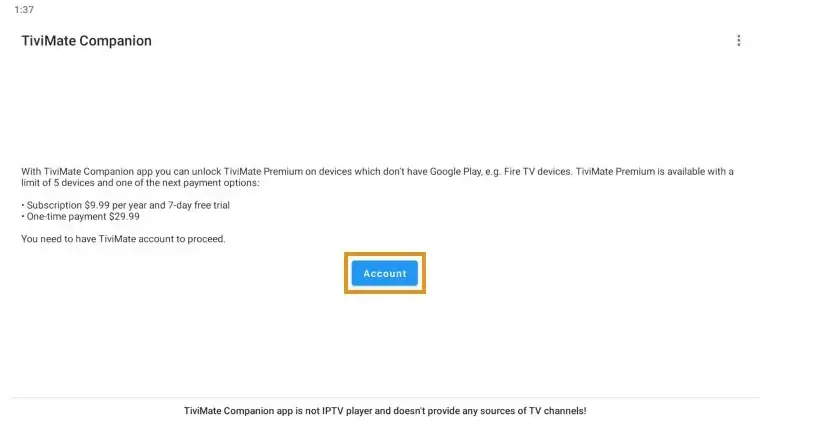
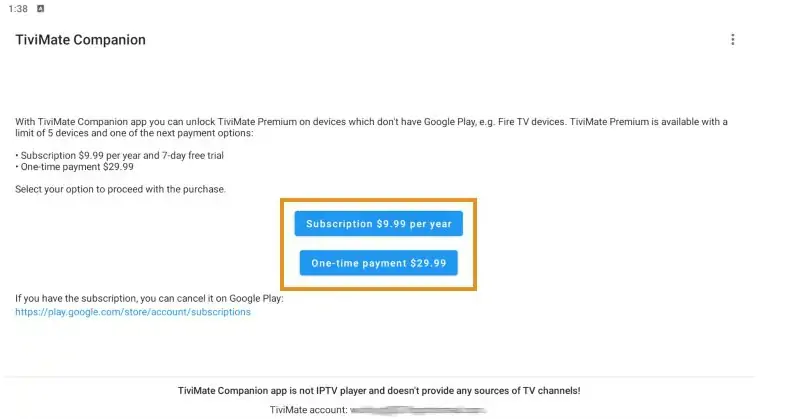
The premium version costs only $9.99/yr with an additional lifetime subscription option available for $29.99.
This covers up to 5 devices which you can manage within the Companion App.
Prior to initializing Premium, users must register for an Account via the Companion App.
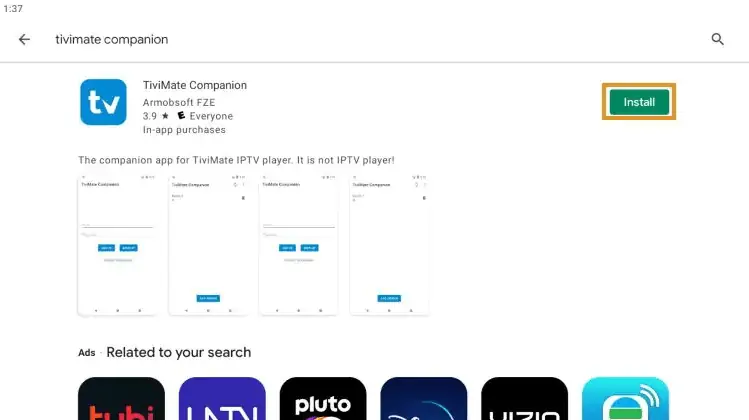
1. Search tivimate on google play and click install.
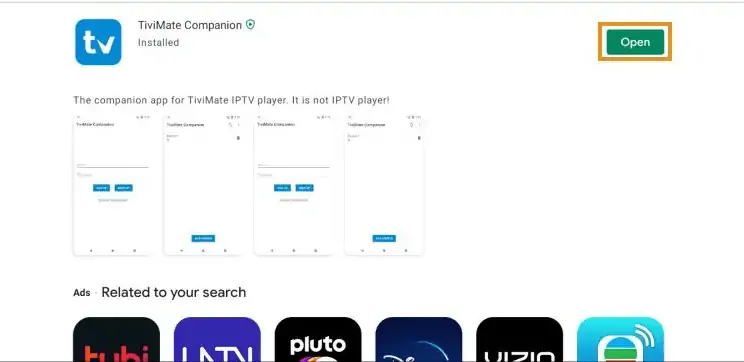
2. Click open.
3. Click Account.
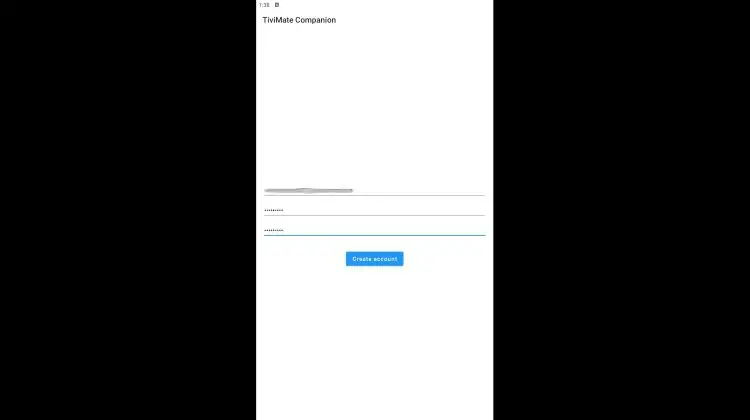
4. Enter your preferred username and password and select Sign up
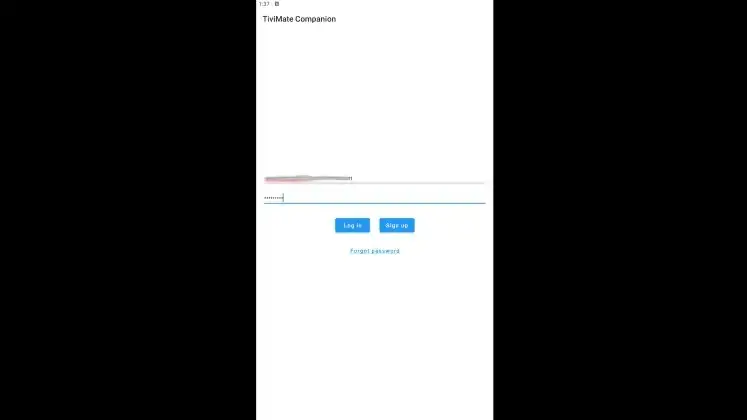
5. Re-enter your password and click Create account.
6. Choose the subscription package of your choice and enter your payment information.
7. Registration is complete!
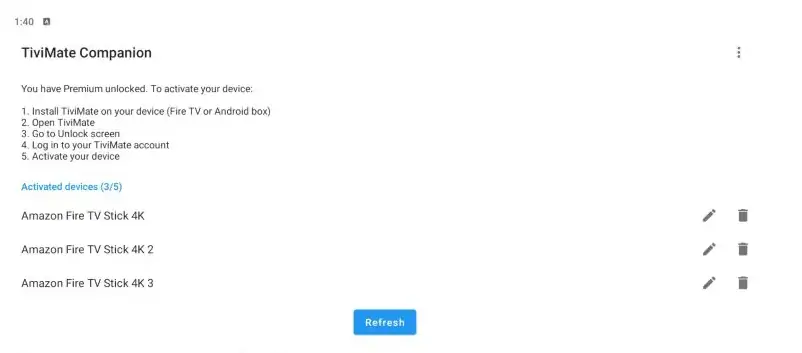
Be sure to write down or remember your login information to sign into the app.
8. Once the app is ready, click Add Playlist
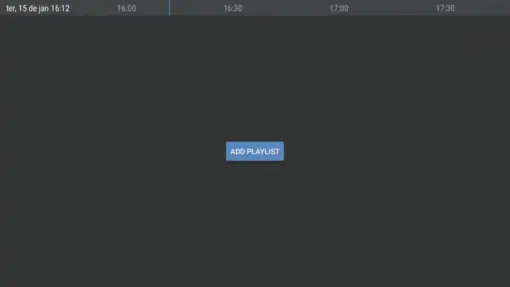
9. Click on Xtream Codes login
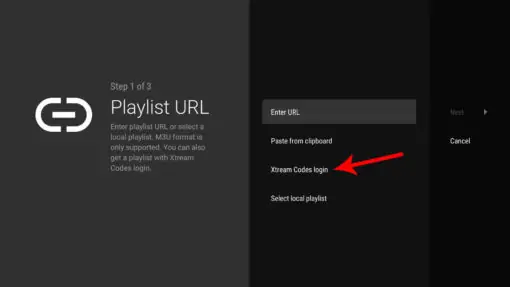
10. Enter the information provided to you for your subscription:
- Server address
- Username
- The Password
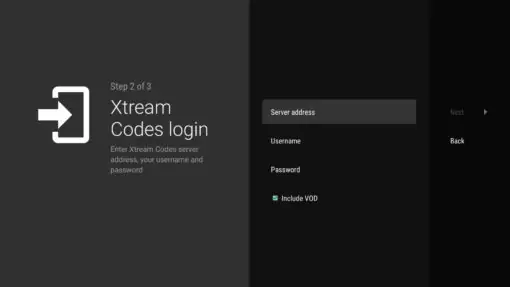
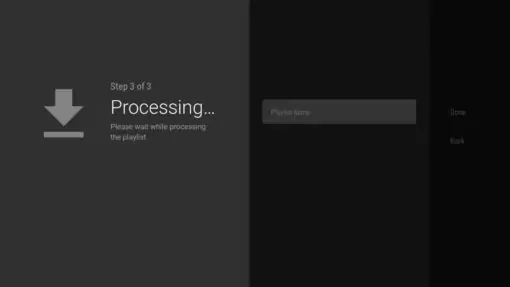
11. Save the information and name your Playlist (you can name it as you wnat), and then click Done. You are now connected to your IPTV service.
Note: for a better functioning of the IPTV service, always use a wired connection with the Internet to avoid losses, never in Wifi.
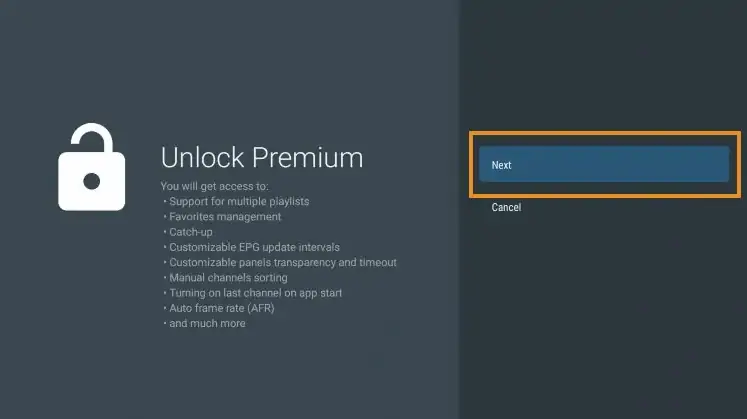
12. To unlock premium, go to the setting and click unlock premium.
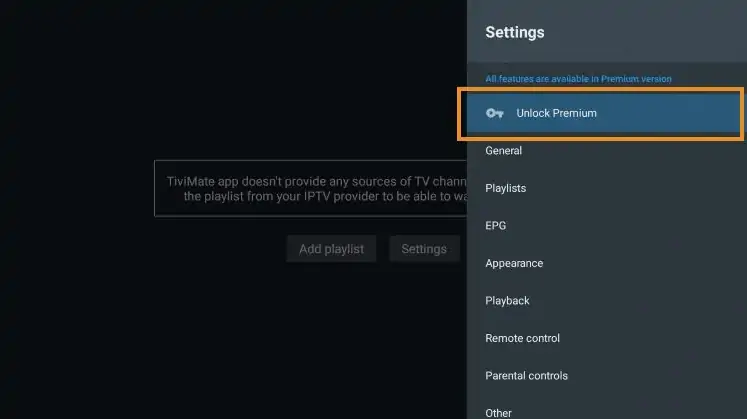
13. Click Next.
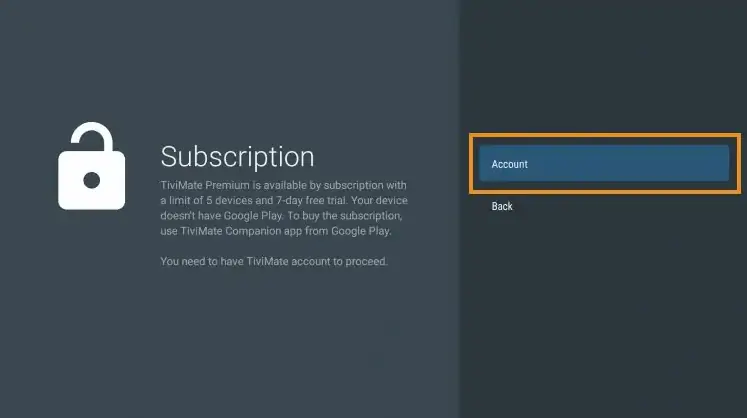
14. Choose Account.
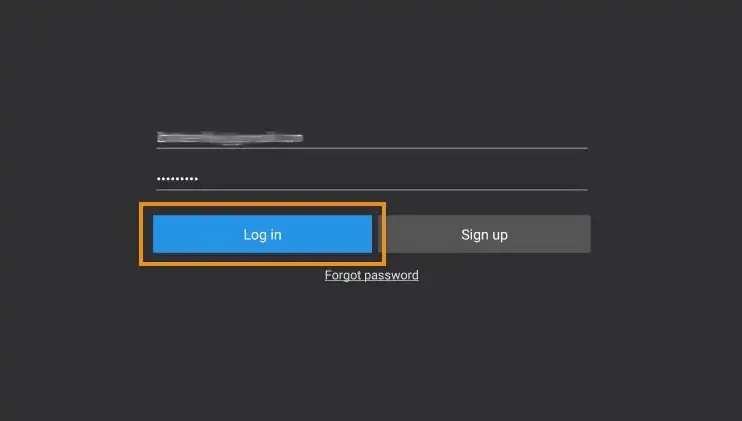
15. Enter your login credentials.
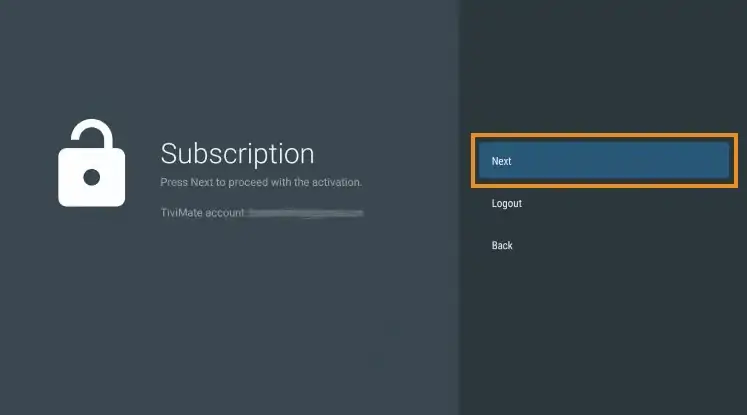
16. Click Next.
17. Enter the device name of your choice and click Activate.
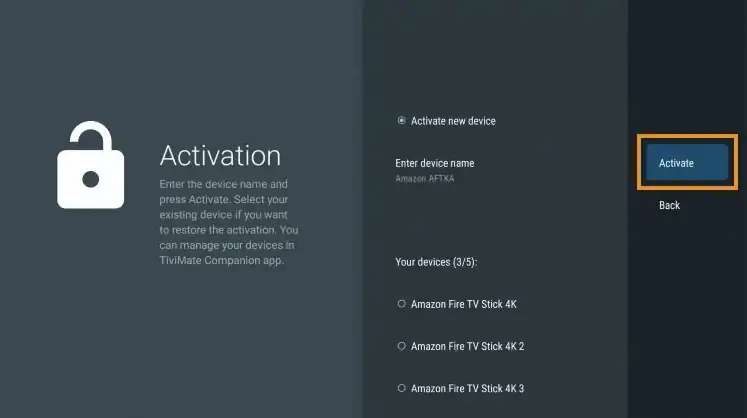
18. Click OK.
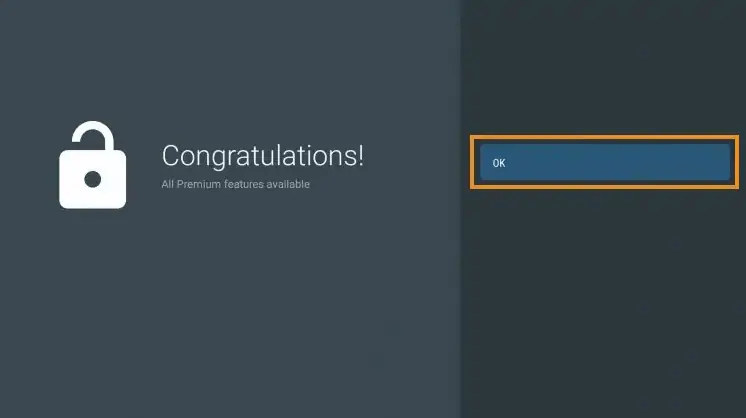
That’s it! Once logged in, you will have access to all advanced features of the app for an enjoyable live-streaming experience.
Details & Features
Upon installing TiviMate, you will immediately notice the unique interface it provides. This varies from other IPTV Players and works fabulously.
The menu bar on the left lists your Playlist Categories or “Groups” as they are referred to in the app. These can be hidden, removed, and managed all within the Settings.
This is a great way to eliminate any unwanted Channel lists that you don’t use or need.
With this app, users can integrate multiple services or “Playlists” within the app meaning you can combine two or more Services into one!
This is a great way to ensure your live streaming is always available and manage your favorite channels across multiple platforms.
Best of all, the app works extremely fast on any device you prefer including Firestick, Android TV, Google TV, and more.
Navigation
Navigating this app is a breeze when using your streaming device’s remote. If using a Firestick, the following options are available:
- Select Button: Opens Channel
- Back Button: Shows Groups/Return to Guide
- Left Button: Scrolls to Previous Program
- Right Button: Scrolls to Next Program
- Up Button: Scrolls Up through Channels
- Down Button: Scrolls Down through Channels
- Rewind Button: Scrolls Channels Up without changing the channel
- Fast Forward: Scrolls Channels Down without changing the channel
FAQ:
How to find Xtream Codes details ?
Xtream Codes API informations include server URL , username and password. You can extract Xtream Codes information from M3u link . look at this example:

Surely, you will get a different experience than watching traditional satellite TV content . You will have more options to watch and the best thing, you will have freedom and flexibility that you lack in the case of traditional TV.
The process is quite simple and easy, just follow the steps given above and bring the new world of entertainment to your home.